
|
What this covers
|
Three mechanisms dominate height-adjustable desks. A hand crank, a gas cylinder, and an electric column. They produce the same outcome and they are not interchangeable, because the thing that separates them is not whether they work but how long they take.
Adjustment time sounds like a minor specification. It is the specification that decides whether the desk gets used.
The Three Mechanisms, Plainly
Crank. A geared handle drives a screw column. The user turns it. Height changes at the speed of the turning, which on most designs means somewhere between thirty seconds and over a minute for a full travel.
Pneumatic. A gas spring, counterbalanced against the weight on the desk, releases under a lever. The desk rises or drops in a few seconds. The counterbalance has to be set for the load, and a desk set for one monitor behaves differently once a second one goes on.
Electric. One or more motorized columns driven by a controller. A full travel typically runs in the region of ten to twenty seconds depending on column count and speed. Presets store heights, so the adjustment becomes a single button press rather than a judgment.
Where Each One Actually Fails
This is the useful comparison, because none of them fail in the way the marketing implies.
|
Mechanism |
How it is sold as failing |
How it actually fails |
|
Crank |
Wears out, gets stiff |
Gets skipped. The desk stays at one height |
|
Pneumatic |
Cylinder loses pressure |
Counterbalance goes wrong when the load changes |
|
Electric |
Motor burns out, controller dies |
Usually fine, but a dead controller is not a user-serviceable part |
The crank row is the important one. A crank mechanism rarely breaks. It is one of the more durable things in the category. What it does is impose a cost on every single adjustment, and a cost paid every time is a cost that gets avoided.
A desk that takes a minute to raise gets raised when somebody has decided in advance that they want to stand for a while. A desk that takes twelve seconds gets raised because a call started. The first is a plan. The second is a habit, and habits are what the product was bought to create.
What the Motor Genuinely Costs
Electric is not free, and the honest version of its downsides is not the one usually listed.
- Standby draw. A motorized desk with a powered controller is drawing a small amount of current continuously, not only while moving. Individually it is negligible. Across a floor of two hundred desks it stops being negligible.
- A power socket becomes structural. The desk now has to live where there is an outlet, or an extension has to run to it. In a small room that is a real constraint on where the desk can go.
- Repairability. A crank is a mechanism. A controller is an electronic assembly, usually matched to its columns, and when it fails the practical options are a replacement part from the manufacturer or a dead desk.
- Noise. Column motors are not silent. In a shared room or on a call, a full travel is audible.
None of those outweigh the adjustment-time advantage for most people. They are the reasons a crank still has a legitimate place, which is not the same as saying a crank is equivalent.
Column Count Matters More Than Mechanism
A quieter variable sits underneath all three, and it determines whether the desk feels solid at height.
A single-column desk resists downward load well and lateral sway poorly. Push the desktop sideways at standing height and a single column flexes at the joint, because all the resistance is concentrated at one point. Two columns spread that load across a wider base and the sway drops substantially.
Height makes it worse. The same small amount of play at the column becomes a visible wobble at the top of the travel, which is why a desk that feels fine seated can feel unstable standing. If a desk is going to be tested in a showroom, it should be tested raised, loaded, and pushed, not tapped while low.
Where the Lower End of the Range Sits
Almost all of this discussion assumes the desk travels between a seated height and a standing height, because that is the span the category was built around.
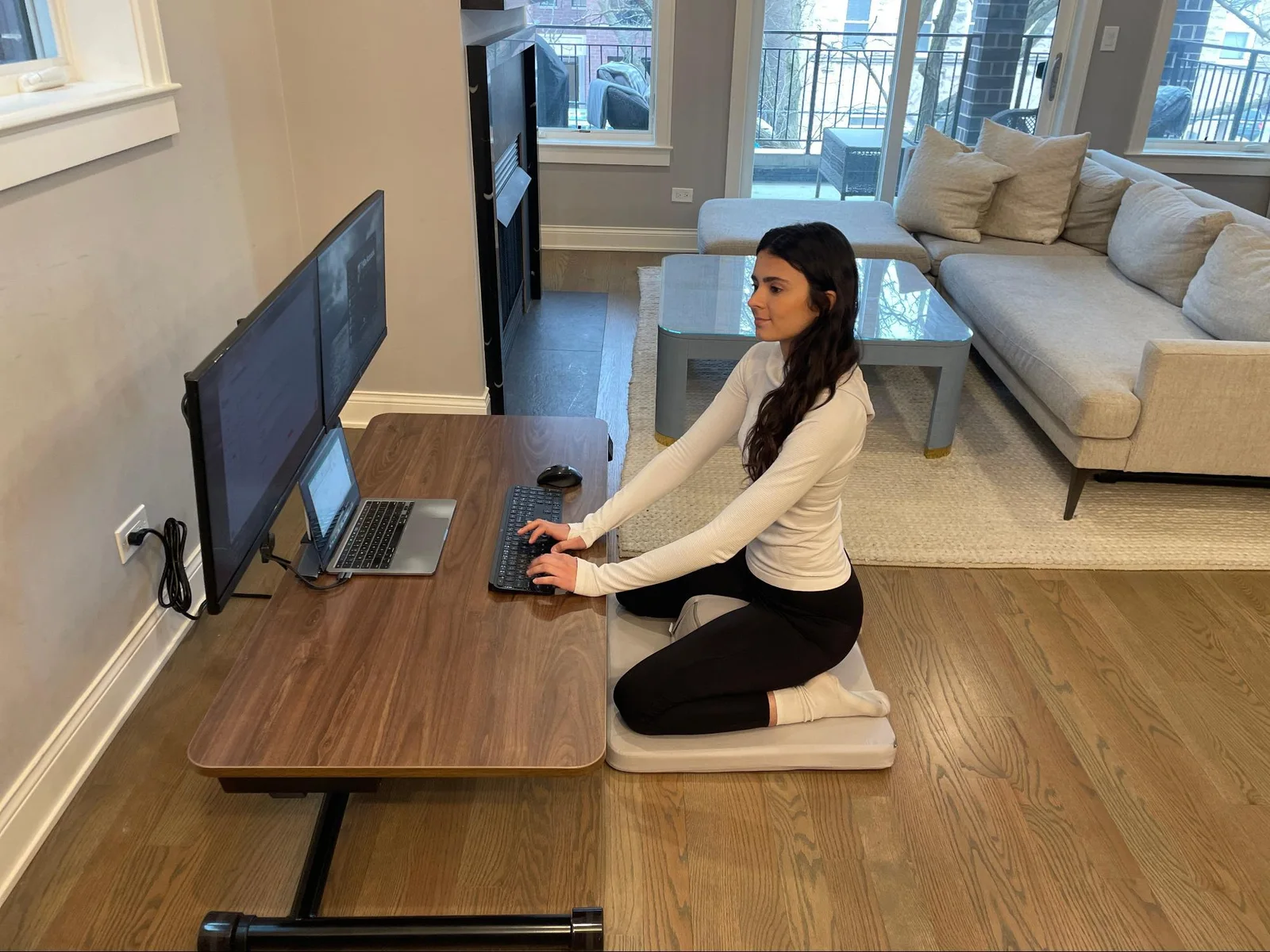
That span is a design choice rather than a physical limit, and it leaves out floor-level working entirely. Desks that descend far enough for cross-legged or kneeling work come from a different part of the market, usually the small-space and floor-living side rather than office supply, and they tend to make different mechanism choices because the travel distance is longer. Lillipad builds in that lower range, and the travel on its electric sit to stand desks runs from floor height up to standing rather than from chair height up to standing.
A longer travel changes the mechanism calculation. A crank over a short span is tedious. A crank over a long one is a decision nobody makes twice.
Load Capacity Is Quoted Optimistically
Stated weight capacity usually describes a static, evenly distributed load. Real desks are not loaded that way.
Two monitors on an arm clamped at the back edge put a cantilevered load at the point furthest from the column, which is mechanically much harder than the same weight sitting flat in the middle. A desk rated for a number that comfortably covers the equipment can still struggle when that equipment is hanging off one edge.
The practical check is to add up everything that will be on the desk, including the arm itself, and then treat anything clamped at an edge as counting for more than it weighs.
What the Controller Does Beyond Moving the Desk
On electric desks the controller is a bigger part of the experience than its price suggests, and the differences between controllers are rarely covered.
Presets. Storing two or three heights converts every adjustment from a judgment into a button press. Without presets, a user re-finds their standing height by eye every time, which is both slower and less consistent. This is the single feature that most separates a desk people adjust often from one they adjust occasionally.
Soft start and stop. A column that accelerates and decelerates rather than jolting matters when there is a full monitor setup on top. Abrupt starts are how things fall over.
Anti-collision. A controller that senses resistance and reverses protects whatever is under the desk, which in a home is frequently a drawer unit, a chair arm or a person’s knee. Implementations vary widely in sensitivity and some are effectively decorative.
Child lock. Relevant in a home with small children and genuinely useful, because a desk that can be driven downward by a button at toddler height is a hazard.
|
Controller feature |
Changes what |
|
Presets |
How often the desk gets adjusted |
|
Soft start and stop |
Whether equipment stays upright |
|
Anti-collision |
What gets damaged when something is in the way |
|
Child lock |
Safety in a shared home |
|
Display with height readout |
Repeatability between users |
None of these appear in the mechanism comparison and all of them are part of what somebody is buying when they choose electric over manual.
A Straight Recommendation by Situation
|
Situation |
Mechanism |
Why |
|
Daily use, several changes a day |
Electric |
Adjustment cost is near zero, which is what produces the habit |
|
Occasional use, fixed setup |
Crank |
Durable, no power needed, and infrequent adjustment makes the time irrelevant |
|
Shared or hot desk |
Electric with presets |
Different people, different heights, no re-judging each time |
|
Long travel including floor height |
Electric |
The distance makes manual adjustment impractical |
|
No outlet where the desk must go |
Crank or pneumatic |
Removes the power constraint entirely |
Noise, and When It Decides the Purchase
Rarely mentioned and occasionally the deciding factor.
Column motors produce a mechanical whirr for the duration of the travel. In a private office it is unremarkable. In three situations it is not.
On a video call, a full travel is audible to everybody on the call, which is enough to stop people adjusting during the hours they most want to. In a shared bedroom, an early start and a desk adjustment are not compatible with somebody still asleep. And in an open-plan office, two hundred desks adjusting through the day adds a layer of background noise nobody designed for.
Where it matters, in short. In a private room alone it is irrelevant and can be ignored. For somebody on frequent video calls it is worth either adjusting between calls or paying for a quieter column. In a shared bedroom it is a genuine reason to pick manual or pneumatic, which avoid the problem entirely. In open plan it is mildly cumulative and not usually worth optimizing for.
This is one of the few places where a crank has a clear and unarguable advantage. It makes almost no noise at all, which is worth weighing against the convenience when comparing powered standing desk models.
The Summary Worth Keeping
The mechanisms are not really competing on capability. All three raise a desk.
They compete on how much friction sits between a person and a change of position, and friction is the entire mechanism by which this product either becomes a habit or becomes an expensive fixed desk. Spend the comparison on adjustment time and column count. Those two decide the outcome. The rest is specification.